
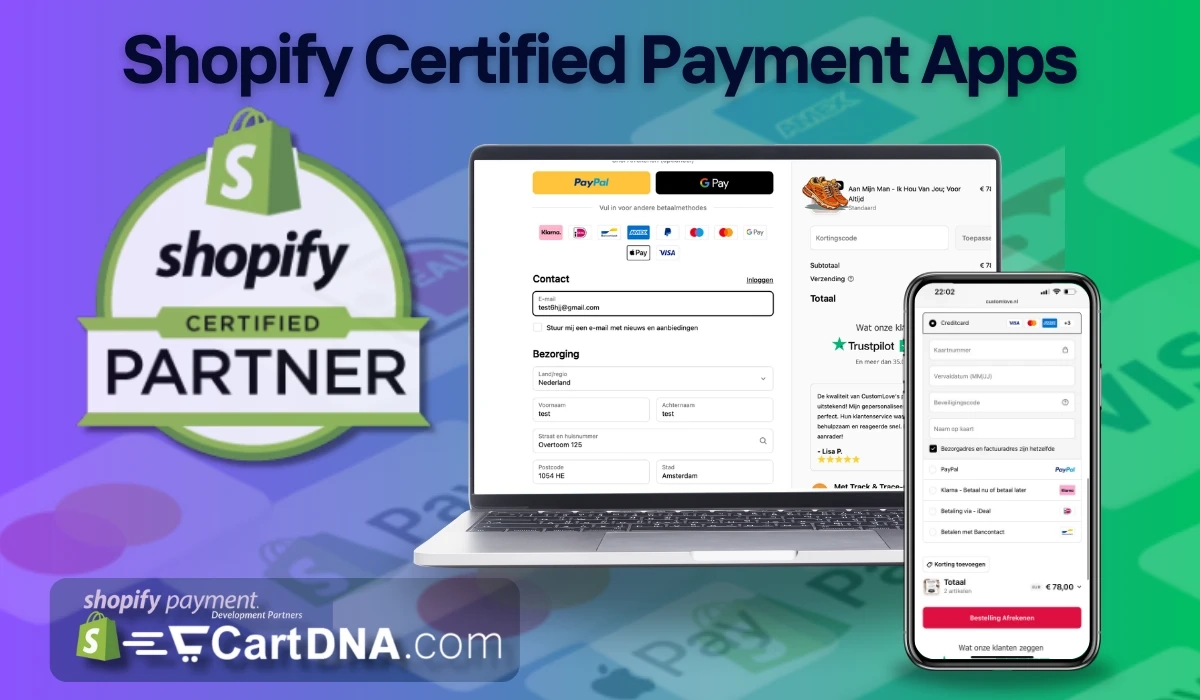
This guide explains why Shopify payment apps often have no reviews, how Shopify approves payment apps, why unapproved scripts can break your store, and how to pick a trusted partner. You will also get a safe checklist you can use before you install anything.
Introduction: The Mystery Behind Shopify Payment Apps
Shopify merchants often need alternative payment solutions to expand reach and reduce costs. Shopify Payments works well, but not for every country or industry. Third-party payment apps help support local methods, lower rates in some cases, and enable payments for restricted or high-risk categories.
Many payment partners are listed differently than typical Shopify apps. Some install outside the normal “reviewed app” pattern. That means the lack of reviews alone should not be your decision factor. You should judge approval status, security standards, checkout behavior, and vendor support.
Why Do Shopify Third-Party Payment Apps Exist?
Shopify Payments, powered by Stripe, is seamless, but it does not fit every merchant. Approved third-party payment apps fill gaps for regional payment methods, fee structures, high-risk categories, and multi-currency. The key is to pick approved partners that work with Shopify checkout.
- Regional payment methods like iDEAL, FPX, and M-Pesa.
- Alternative rates that can offset external provider fees.
- Support for restricted or high-risk industries.
- Multi-currency and international acceptance.
The Rigorous Approval Process for Shopify Payment Apps
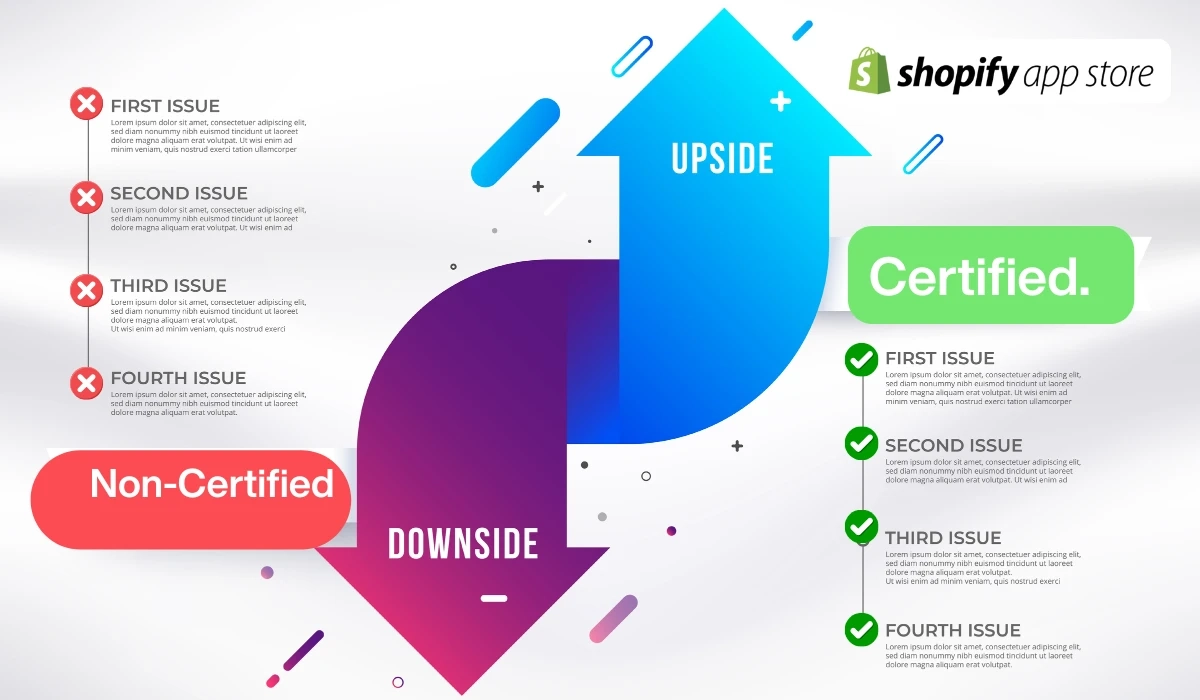
Shopify-approved payment apps go through strict checks to protect merchants and customers. Approval focuses on security, compliance, fraud prevention, and clean checkout integration. If a provider passes, you reduce exposure to data leaks, checkout failures, and broken app compatibility.
Payment apps must meet PCI DSS standards. Large processors often target PCI DSS Level 1. Shopify also sets minimum compliance requirements for smaller providers. You should ask vendors for proof of compliance and how they scope and maintain it.
Shopify tests for vulnerabilities to reduce fraud and data exposure. This helps stop account takeovers, payment tampering, and risky redirects. Ask how often the vendor runs tests and what they do after a vulnerability appears.
Approved payment apps integrate with Shopify’s native checkout. That improves stability and reduces conflicts with marketing, shipping, analytics, and CRM tools. If a provider cannot explain their checkout flow clearly, treat it as a risk signal.

The Hidden Danger: Unapproved Payment Gateway Integrations
Some developers sell script-based payment “integrations” that claim to work like approved apps. These are not Shopify-approved. They can break checkout, block Shopify Payments, cause app conflicts, and expose you to security risks. Shopify can also penalise or ban stores that violate payment rules.
If the provider asks you to paste custom scripts, redirects customers away from Shopify checkout, or cannot show an App Store listing, treat it as a hard stop. These setups bypass Shopify standards. They create the exact problems Shopify approval aims to prevent.
- Not listed on the Shopify App Store.
- Requires manual script installation.
- Redirects away from Shopify checkout.
- Conflicts with Shopify Payments and other apps.
- Can trigger store enforcement or bans.
How to Identify Unapproved Payment Integrations
Use a simple rule: if it behaves like a hack, it is a hack. Approved partners make setup predictable. They do not require fragile scripts or strange redirects. They integrate with Shopify checkout and do not block your other apps. If you see these signs, walk away.
- No Shopify App Store listing.
- Manual script paste required.
- Off-site checkout redirect.
- Breaks Shopify Payments or other approved apps.
The Right Way to Choose a Shopify Payment Partner
Start with approval status, then validate checkout behavior and support. Check how refunds work, how disputes are handled, and what data the provider shares for reconciliation. Ask for documentation, uptime history, and support SLAs. You should pick stability over hype.
Confirm it is Shopify-approved and listed. Verify it uses native checkout integration. Confirm PCI compliance and testing practices. Ask how refunds, chargebacks, and disputes work. Confirm support hours and escalation path. If any answer feels vague, choose another partner.
Trusted Shopify-Approved Payment Partners
These providers offer approved Shopify payment solutions and are widely used across regions and merchant types. Always validate the exact app listing and setup path, since providers may have multiple integrations. Choose based on your market, currency needs, and risk profile.
- Airwallex. Global multi-currency support.
- Stripe. Popular global processing stack.
- CartDNA. Alternative payment apps and coverage.
- Wallie. Seamless checkout solutions.
- WorldPay. Global payment processing.
- Adyen. Enterprise payment platform.
- Mollie. Strong European regional support.
Final Thoughts: Reviews Aren’t Everything, But Security Is
Do not panic if a payment app has few or no reviews. Shopify approval and checkout integration matter more. What should worry you is unapproved script installs. They can harm your business, break checkout, and risk store enforcement. Choose approved partners and keep your stack stable.